ScreenSnap
Screen recorder - full screen with audio, runs in background
Date: July 8, 2026
About the Extension
ScreenSnap - Screen Recorder
A lightweight Chrome extension for recording your screen with audio support. Perfect for creating tutorials, demos, and presentations.
Features
- 🎬 Full Screen Recording - Capture your entire screen with ease
- 🔊 Audio Support - Record audio along with your screen
- 🏃 Background Operation - Continue working while recording
- 🌐 Multi-language Support - English and Chinese localization
- ⚡ Keyboard Shortcut - Quick start/stop with Ctrl+Shift+V (Cmd+Shift+V on Mac)
- 💾 Auto Download - Recordings are automatically saved to your downloads folder
Installation
- Download or clone this repository
- Open Chrome and navigate to
chrome://extensions/ - Enable “Developer mode” in the top right corner
- Click “Load unpacked” and select the project folder
- The ScreenSnap icon will appear in your extensions toolbar
Usage
Open Launcher
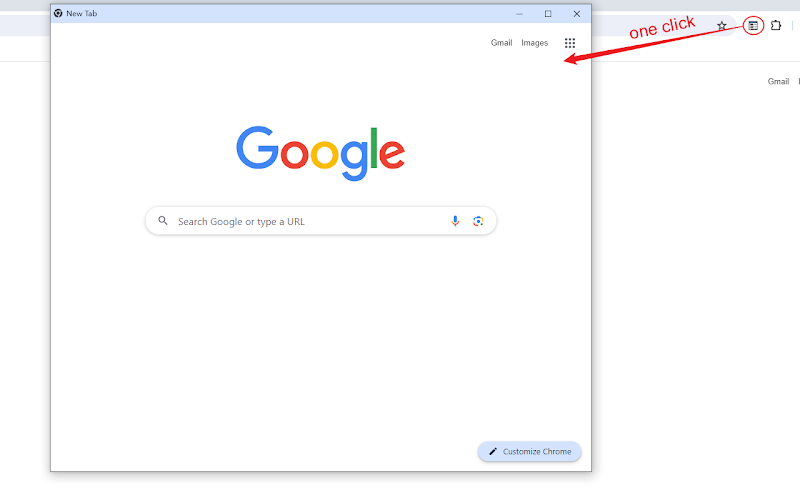
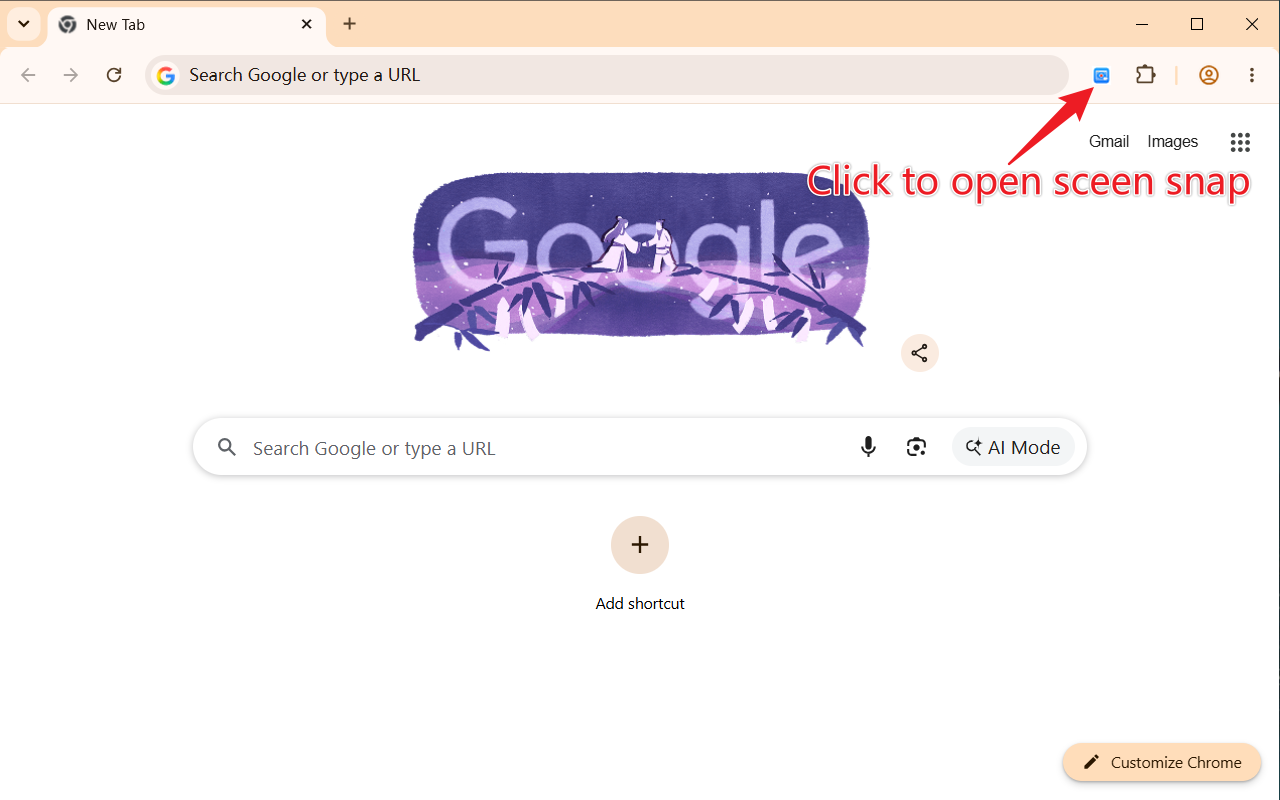
Click the ScreenSnap extension icon in the toolbar to open the launcher:
Start Recording
- Press
Ctrl+Shift+V(Windows/Linux) orCmd+Shift+V(Mac) - Or click “Start” button in the launcher
- Select the screen or window you want to record
Stop Recording
- Press the keyboard shortcut again, or
- Click the Stop button in the interface
- Your recording will be automatically saved
Settings
Click the ScreenSnap extension icon and select “Setting” to access settings:
- Choose output quality
- Set recording preferences
- Manage file naming conventions
System Requirements
- Chrome/Chromium browser (version 88+)
- Windows, macOS, or Linux
- Microphone (optional, for audio recording)
Permissions
ScreenSnap requests the following permissions:
tabCapture- To capture tab contentdesktopCapture- To capture desktopdownloads- To save recordingsoffscreen- For offscreen recording processingstorage- To save preferencescontextMenus- For context menu integration
Keyboard Shortcuts
| Action | Windows/Linux | macOS |
|---|---|---|
| Toggle Recording | Ctrl+Shift+V | Cmd+Shift+V |
Localization
ScreenSnap supports multiple languages:
- 🇺🇸 English (en_US)
- 🇨🇳 Simplified Chinese (zh_CN)
The extension automatically detects your browser language and displays the appropriate interface.
Troubleshooting
Recording won’t start:
- Ensure you have granted the necessary permissions
- Try reloading the extension
- Check if another extension is blocking screen capture
No audio in recording:
- Verify your microphone is enabled and working
- Check permission settings for audio recording
Large file sizes:
- Consider using a lower quality setting in Options
- Shorter recordings produce smaller files
Reviews
5 out of 5 stars