Xiaohongshu for Desktop
Experience Xiaohongshu for desktop like never before: Chrome extension that brings exciting and creative content to your screen
Date: January 15, 2024
About the Extension
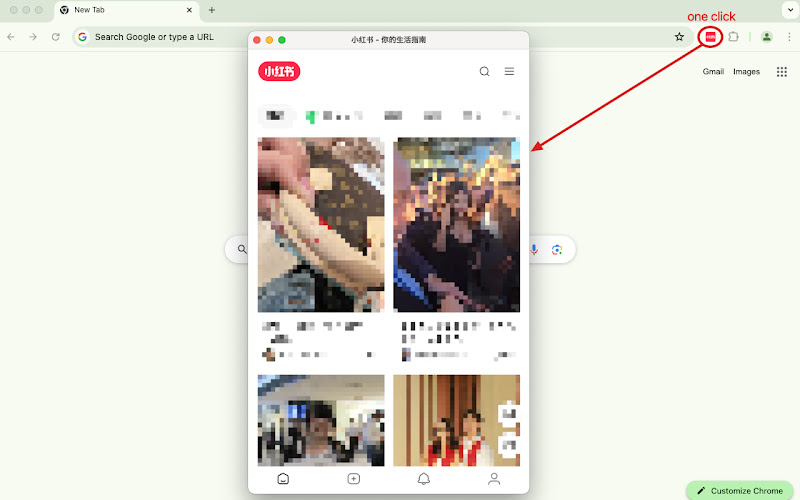
Experience Xiaohongshu for desktop like never before: Chrome extension that brings exciting and creative content to your screen. With this extension, you can open the Xiaohongshu for Desktop with a single click. It supports downloading videos and images without watermarks from the current article for offline reading and storage. It also offers translation for articles and comments.
Features:
- Open the Xiaohongshu for Desktop with one click; the interface simulates the mobile view.
- Easily download and package articles, images, and videos.
- Translate the content of articles and comments with a single click.
How to Use:
- Install and enable this Chrome extension.
- Click the Xiaohongshu icon in the browser toolbar to open the desktop version. The interface will simulate the mobile version.
- Select the article you want to download on the Xiaohongshu page.
- Click the “Download” button in the extension icon to package the selected article into a ZIP file and save it to your device.
- Install now and enjoy the convenience of the Xiaohongshu for Desktop!
Reviews
3.7 out of 5 stars